AI Tools for Creative Projects
AI tools for creative projects help artists, designers, writers, and marketers generate ideas, create content, and visualize concepts quickly. These tools assist in design, writing, music, video, and brainstorming. By leveraging AI, users can save time, boost creativity, and produce high-quality content efficiently. As AI tooling has matured through 2024–2025, more free and accessible options now accompany integrations with popular workflows. For example, designers can explore AI Tools for Graphic Design to streamline visuals, or writers can leverage AI Tools for Content Creation to accelerate drafting and publishing. If you’re new to this space, see our AI Tools for Beginners guide for a practical starting point.
1. Canva Free
Canva Free provides AI-assisted templates for graphic design, social media posts, and presentations. Users can customize visuals easily. It helps beginners and professionals create polished designs without prior experience.
2. ChatGPT
ChatGPT generates ideas, story prompts, scripts, and creative content. Users can brainstorm, draft, and explore multiple concepts. It is ideal for writers, marketers, and project planners seeking inspiration quickly.
For longer-form workflows, you might also explore AI Tools for Content Creation and, if you need writing prompts, try AI Tools for Writing Prompts.
3. Fotor Free
Fotor Free offers AI-powered image editing and design tools. Users can enhance photos, create graphics, and apply effects easily. It simplifies creative projects for social media, marketing, or personal use.
4. Lumen5
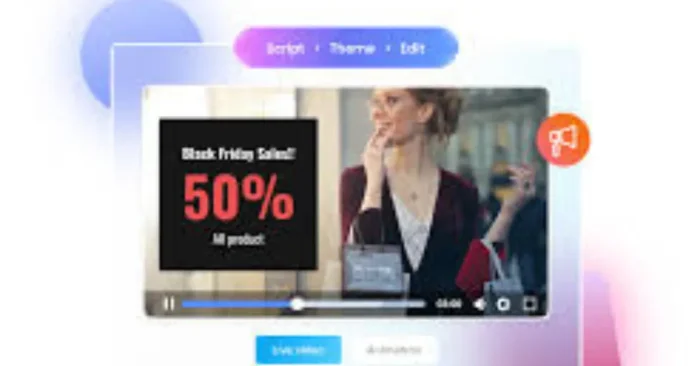
Lumen5 AI converts text and blog posts into engaging videos automatically. Users can add visuals, captions, and music efficiently. It is perfect for creating video content without advanced editing skills.
For other video-focused workflows, see AI Tools for Video Creators.
5. Runway
Runway AI offers creative tools for video editing, background removal, and effects. Users can enhance videos and images quickly. It is useful for visual projects, marketing, and social media content.
6. Notion AI
Notion AI helps with brainstorming, writing, and project planning. Users can generate ideas, summaries, and outlines. It improves productivity and creativity for both individuals and teams.
For additional brainstorming capabilities, explore AI Tools for Brainstorming.
7. DeepArt
DeepArt AI transforms photos into artistic visuals using AI algorithms. Users can apply different artistic styles easily. It is perfect for creative projects in digital art and design.
8. Soundraw
Soundraw AI generates music and soundtracks for videos, games, or presentations. Users can customize tempo, mood, and instruments. It helps creators add professional music to projects effortlessly.
9. Artbreeder
Artbreeder AI allows users to create unique images and characters by blending existing ones. It offers a creative playground for artists and designers. Users can experiment with styles, colors, and features easily.
10. Runway Text to Image
Runway Text to Image AI generates images from text descriptions. Users can visualize concepts, designs, or creative ideas. It helps artists and creators bring imagination to life quickly and efficiently.
(FAQs)
Q1: Are these AI tools free?
Most offer free plans with basic features. Some advanced options may require paid subscriptions.
Q2: Do I need creative skills to use these tools?
No. These tools are beginner-friendly and designed to help anyone create content and explore ideas easily.
Q3: Can AI replace human creativity?
AI assists in generating ideas and visuals, but human judgment and creativity are essential for unique and high-quality projects.
Learn More About AI Course https://buhave.com/courses/learn/ai