AI Tools for Photo Editing
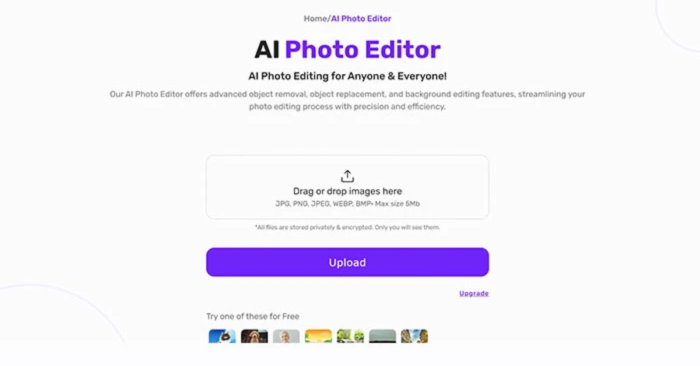
Artificial Intelligence has transformed the world of photography and design. From removing backgrounds to enhancing image quality, AI photo editing tools save time and deliver professional-level results. Whether you are a photographer, content creator, marketer, or simply someone who loves editing pictures, AI-based tools can help you achieve stunning visuals without requiring advanced editing skills. If you’re new to this, explore practical guides like How To Edit Pictures With AI Tools and compare workflows in AI vs Photoshop Image Editing Tools.
1. Remove.bg Instant Background Removal
Remove.bg is an AI tool that instantly removes image backgrounds. It’s perfect for e-commerce, profile pictures, and graphic design projects.
To compare AI editing with traditional tools, see AI vs Photoshop and learn how to choose the best tool in our guide Which AI Tool Is Best For Pictures.
2. Luminar Neo Smart AI Photo Enhancer
Luminar Neo uses AI to enhance colors, balance exposure, and even replace skies. It’s widely used by photographers for its professional yet approachable editing features that update regularly with new AI tools.
3. Fotor All-in-One AI Editor
Fotor offers AI retouching, one-click filters, and background editing. It’s beginner-friendly and ideal for quick photo improvements.
4. Topaz Photo AI Image Quality Booster
This tool uses AI to sharpen images, reduce noise, and upscale low-resolution photos without losing quality.
5. Canva AI Easy Creative Editing
Canva now includes AI-powered photo editing features like Magic Eraser and Magic Edit, making it great for social media visuals.
6. Photoshop AI (Adobe Firefly) Professional Editing
Adobe Photoshop’s AI tools can remove objects, generate backgrounds, enhance images, and stay integrated with ongoing updates in the Creative Cloud. It remains an industry-standard for designers and a benchmark for professional workflows.
7. FaceApp AI Portrait Enhancer
FaceApp is famous for AI face editing, age transformation, and beauty filters. It’s fun and widely used on social media.
8. Pixlr AI Quick Fix Editor
Pixlr is a free AI-enabled editor that provides background removal, filters, and one-click enhancements online.
9. VanceAI High-Quality Image Enhancements
VanceAI specializes in upscaling, sharpening, and restoring old photos with artificial intelligence.
10. PhotoRoom E-Commerce Focused Editing
PhotoRoom is an AI tool designed for businesses, especially e-commerce. It removes backgrounds and creates professional product photos.
Learn more about AI Course Learn About AI Course.
(FAQs)
What are AI photo editing tools?
AI photo editing tools are applications that use artificial intelligence to enhance, edit, and manipulate images automatically.
Can AI tools replace professional photo editors?
AI tools can save time and handle repetitive tasks, but professional editors are still needed for complex creative work.
Are AI photo editing tools free?
Yes, many AI tools like Remove.bg, Canva, and Pixlr offer free versions with limited features, while advanced features may require a paid plan.
To further explore AI editing workflows, check out our guides: How To Edit Pictures With AI Tools and AI vs Photoshop.