Introduction to AI Image Generation
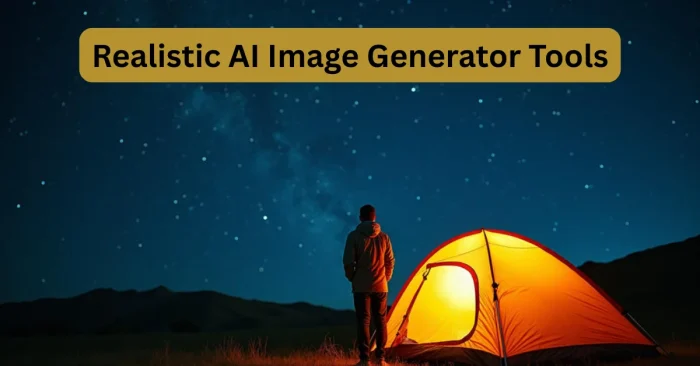
Artificial Intelligence (AI) has transformed how we create and use visuals. As of 2024, AI image generation tools have moved from niche experiments to mainstream options that anyone can use by typing prompts or uploading references. Modern AI models are trained on vast datasets to understand styles, objects, and compositions, enabling realistic photography, painterly art, and conceptual visuals. This democratization helps individuals, marketers, designers, and businesses produce unique visuals without advanced design skills. Today, AI-generated images power advertising, social media campaigns, product mockups, and creative projects. For those exploring options, see AI Tools For Create Image for a user-friendly starting point.
How AI Generates Images
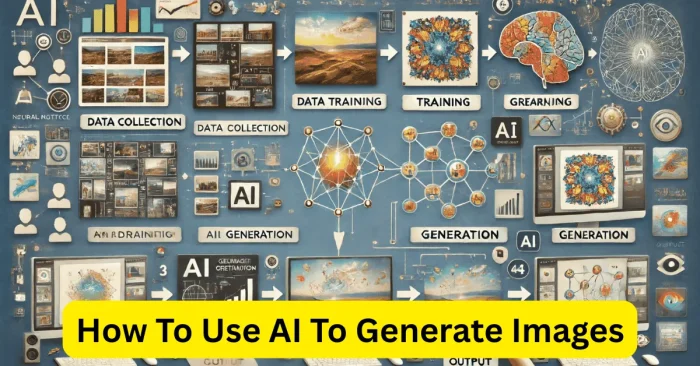
AI tools generate images using deep learning algorithms, mainly through techniques like Generative Adversarial Networks (GANs) and diffusion models. By analyzing millions of images, these models learn how to construct visuals based on input prompts. Users can type detailed instructions, such as “a futuristic city at sunset in cyberpunk style,” and the AI generates an accurate visual. The more descriptive the prompt, the better the outcome. Some platforms also allow you to refine, edit, or upscale the generated visuals to achieve professional-quality results. For a quick comparison of underlying technologies such as GANs and diffusion models, see Best AI For Image Generation.
Steps to Generate Images with AI
Generating AI images remains straightforward for beginners. Most tools offer intuitive interfaces, so you typically select an AI tool, enter a prompt, tweak settings, and download the result. If you prefer a quick, no-cost starting point, you can try Generate Image With AI Free Tools. Each tool has unique features, but the basic workflow remains consistent across platforms.
Best AI Tools for Image Generation
Several tools are available online, each with strengths for different creative needs. Some excel at producing realistic photographs, while others specialize in artistic or fantasy-style images. For a quick comparison and deeper insights into top options, see Best AI For Image Generation. Below are some of the top tools that make AI image generation easy and accessible for all users.
Popular AI Tools and Features
DALL·E
DALL·E, developed by OpenAI, is one of the most popular AI image generators. It allows users to create high-quality images from text prompts and also supports inpainting, which lets you edit or replace parts of an image. Realistic AI Image Generator Tools are another option for photorealistic outputs. DALL·E is widely used for creative design, marketing visuals, and product mockups.
MidJourney
MidJourney is an AI art generator known for producing highly artistic and stylized images. It is especially popular among designers and artists who want unique, surreal, or conceptual visuals. The platform works through Discord, where users enter prompts and receive generated artworks in real time. AI Tools For Create Image can help you start experimenting with prompts.
Stable Diffusion
Stable Diffusion is an open-source AI tool that gives users more control over the image creation process. It allows fine-tuning, customization, and offline use, making it popular among advanced users. With plugins and integrations, Stable Diffusion is ideal for developers and creators who want to experiment. Realistic AI Image Generator Tools can be used to compare realism options.
Canva AI
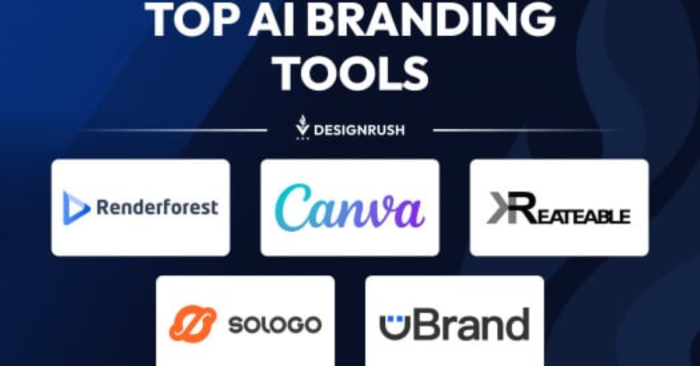
Canva now integrates AI-powered image generation into its design suite. This feature allows marketers, small businesses, and content creators to quickly generate images that match their design templates. It is beginner-friendly and works well for social media, presentations, and branding materials. For broader comparisons, see Best AI For Image Generation.
Fotor AI
Fotor AI is a user-friendly image generation tool that provides both realistic and artistic options. It is designed for quick content creation, making it suitable for social media graphics, posters, and creative projects. Fotor also offers built-in editing tools for refining generated images.
Frequently Asked Questions (FAQs)
How do I start generating AI images?
To start generating AI images, choose a tool like DALL·E, MidJourney, or Stable Diffusion, enter a descriptive text prompt, and adjust any settings before downloading the result.
Which AI tool is best for realistic images?
For realistic images, DALL·E and Fotor AI are highly recommended because they produce lifelike visuals suitable for product mockups, marketing, and photography-like content.
Can I use AI images for commercial purposes?
Yes, most AI tools allow commercial usage, but it is important to review each platform’s licensing and terms of service before using generated images for business purposes.
Do I need technical skills to use AI image generators?
No, most AI image generators are designed for beginners with easy-to-use interfaces. However, more advanced tools like Stable Diffusion offer deeper customization for skilled users.
Are AI-generated images high quality?
Yes, AI-generated images can reach professional quality. Many platforms also provide upscaling features to enhance resolution for printing or digital use.